
On Android
VanyaVPN is on Google Play, and the APK file can be downloaded from the apps page. In Location choose Finland or another country, as long as it isn’t Russia or Belarus, which Supercell shut out as well. When the country appears on the main screen, go ahead and launch Brawl Stars.
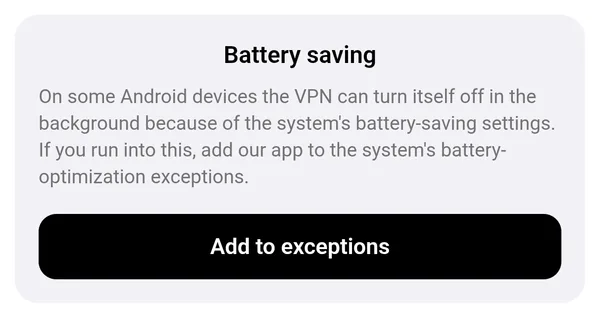
For switching the VPN on before each game, the VanyaVPN tile in Quick Settings is quicker than opening the app. And if your phone keeps turning the VPN off in the background, look at the app’s Settings. The Battery saving block there has an Add to exceptions button, which stops Android from putting the app to sleep.
On iPhone
The Russian App Store carries neither VanyaVPN nor Brawl Stars. If your Apple ID is from neither Russia nor Belarus, both are ordinary downloads. With a Belarusian Apple ID, VanyaVPN installs as usual and only the game needs another region. A Russian Apple ID has to switch region for the game anyway, and after that VanyaVPN comes from the same store. TestFlight is another way to install VanyaVPN, though the game will still need the region switch. Both routes are on the phones page.
An iPhone doesn’t turn the VPN on automatically, so before you play, open the app and press Connect. It can also be switched on in the iPhone’s Settings, under VPN.
Questions
The game still says my location isn’t allowed. What should I do?
Check that the VPN is connected and that the country isn’t Russia or Belarus. Then close Brawl Stars completely by swiping it away from your recent apps, and start it again. If that doesn’t help, pick a different country.
Can I buy gems with a Russian card through a VPN?
No. Russian payment methods aren’t accepted in the game, and changing your IP address doesn’t affect that.
What if Supercell changes how it checks?
It might. Supercell doesn’t officially support VPN connections. If sign-in stops working, let support know.
Does it work on iPad?
Yes, the iPhone build installs on iPad too, by the same route, through VPN for your phone.
For computer games and ping there’s VPN for games.