
VPN for your phone
On Android it’s a Google Play download. On iPhone and iPad it depends on your Apple ID. An Apple ID from anywhere but Russia gets a normal App Store download. One registered in Russia needs a workaround, and there are two.
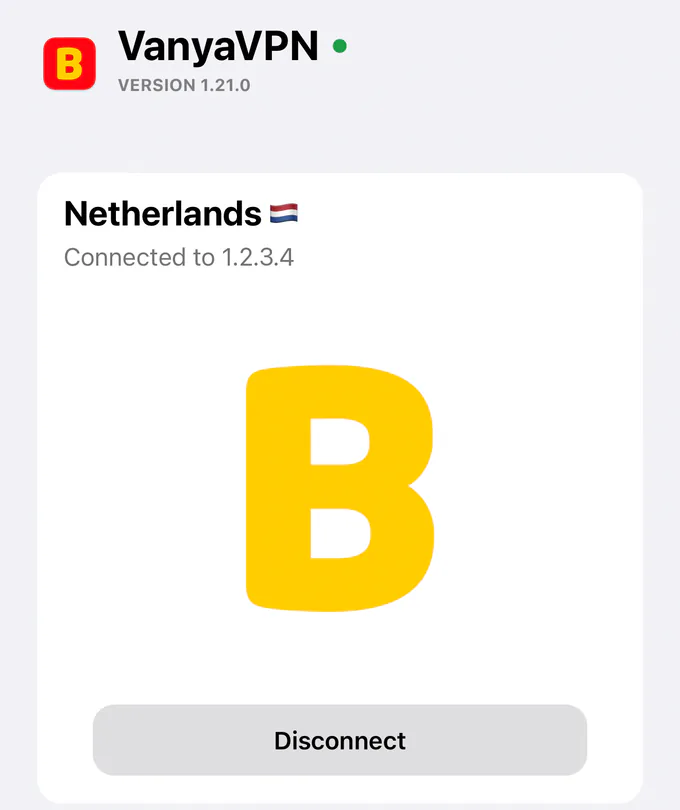
iPhone and iPad
Which App Store you get depends on your Apple ID’s country, not on where you are. With an account from outside Russia, VanyaVPN installs like any other app on iOS 15.5 or later. When you first connect, iOS wants permission to add a VPN configuration. Tap Allow. After a restart the VPN doesn’t come back on its own, so open the app and connect again.
A Russian Apple ID is the tricky case. Apple hides VPN apps from the Russian App Store at the request of Roskomnadzor, the country’s internet regulator. You can move the account to another region, Kazakhstan for example, or install through TestFlight, Apple’s official app for beta versions. The TestFlight link is on the apps page, and both methods are explained step by step in the iPhone guide, which is in Russian.
Android
It’s on Google Play for any Android from version 10 up. If the phone has no Google Play, download the APK file directly. Android will ask whether your browser may install apps, and you should let it.
On its first connection Android shows a “Connection request”. Tap OK. A VanyaVPN tile can go into quick settings, so the VPN turns on without opening the app. Android is also the one system where chosen apps can skip the VPN, which helps when a Russian banking app insists on a direct connection. In Tunnel, pick Manual and tap Select apps.
The TV gets its own Android TV app (setup guide in Russian), and laptops and desktops are on the PC page.
Paying on the website
Plans of six months or longer come with bonus months when you pay here. The App Store and Google Play don’t add them.
- 2 years +6 months free $1.90/mo $57 for the whole term
- Year +3 months free $2.80/mo $42 for the whole term
- 6 months +2 months free $3.50/mo $28 for the whole term
- Month No bonus months $5/mo

The “Vanechka” trial
3 days with every country for $0.50, once per account. After that it continues month to month, and you can turn renewal off in your account.
If it does not work for you, we refund the payment under our refund policy.
More than one phone in the family
How do I sign in on a second phone without typing my email?
On the phone that’s already signed in, open Account, where Sign in on another device gives you a one-time code. On the new phone choose Sign in with code and enter it.
Does one subscription cover the whole family?
It does. There’s no device limit, so the same VPN for your phone works on your partner’s and children’s phones too.