
VPN for Mac
On a Mac the app shows up as an icon in the menu bar beside the clock, not in the Dock. Install it from a DMG file here or through the Mac App Store, which carries it in Russia as well.
- macOS 12 and newer
- version 1.20.6
- 34.5 MB
You can start with the trial: 3 days for $0.50
The Mac App Store version runs on macOS 12.4 and later.
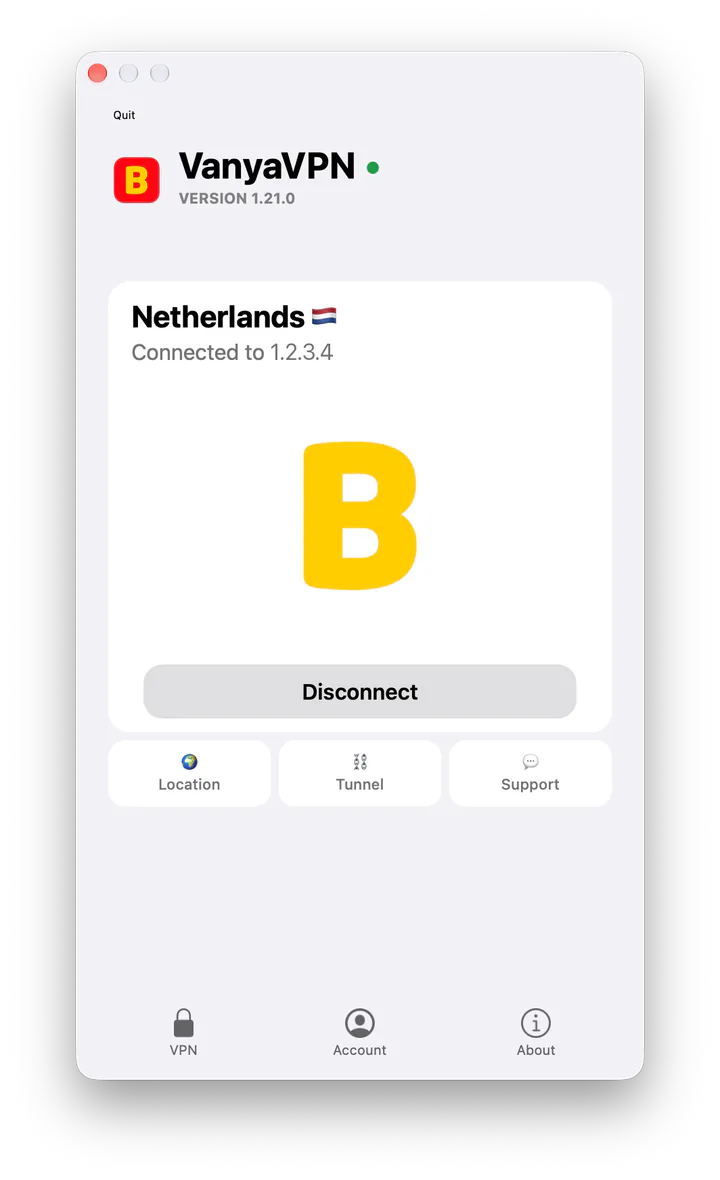
First launch from the DMG
-
Drag VanyaVPN into Applications
The downloaded file opens a window with the app icon and an Applications folder. Drop one onto the other, then launch VanyaVPN from Applications. If macOS double-checks that you want to open something from the internet, click Open.
-
Allow the system extension
Press Connect. macOS reports that it blocked an extension from VanyaVPN and that you can allow it in System Settings (System Preferences on macOS 12). If that notice has already gone, the app shows its own “Allow the VPN system extension” hint with an Open Settings button.
-
Allow the VPN configuration
A request to add VPN configurations comes next. Choose Allow and the connection goes through. If you clicked the wrong button, remove VanyaVPN from the VPN section of System Settings and connect again.
Website version or App Store version
If you get this VPN for Mac as a DMG, plans and payment are right inside the app, and it’s the version that asks for the two permissions above. It runs on macOS 12 Monterey and everything after it.
The App Store version installs and updates the way everything from Apple’s store does, and it needs macOS 12.4 or later. It asks for a single permission, the VPN configuration, since its tunnel works without a system extension. A subscription bought on the website carries over too once you sign in to your account.
Plans
- 2 years +6 months free $1.90/mo $57 for the whole term
- Year +3 months free $2.80/mo $42 for the whole term
- 6 months +2 months free $3.50/mo $28 for the whole term
- Month No bonus months $5/mo

The “Vanechka” trial
3 days with every country for $0.50, once per account. After that it continues month to month, and you can turn renewal off in your account.
If it does not work for you, we refund the payment under our refund policy.
Common questions
Does closing the window turn the VPN off?
No. The red button only hides the window, and the app keeps the connection going from the menu bar. To quit completely, right-click its icon and choose “Quit VanyaVPN”.
Can it start when I log in?
The DMG version can. On macOS 13 and later, right-click its menu bar icon and choose Launch at Login. macOS 12 doesn’t have that item, so add VanyaVPN to Login Items in the Users & Groups preferences instead. The App Store version has no such setting.
Why does it need two permissions?
The system extension is the part that holds the secure tunnel, and the VPN configuration allows macOS to route traffic into it. Without either one there’s no connection. The App Store version builds its tunnel differently, which is why it needs only one.