
VPN for Windows 10
Microsoft ended regular support for Windows 10 in October 2025, but VanyaVPN still installs and runs on it. You’ll need version 1607 or newer, and it doesn’t matter whether it’s 32-bit or 64-bit.
You can start with the trial: 3 days for $0.50
What you need
- Windows 10
- 1607 or newer
- Architecture
- 32- or 64-bit
- Account
- with admin rights
- Download
- 80.5 MB
Installing, step by step
-
Open the file you downloaded
You’ll find VanyaVPN.exe in Downloads. If a blue “Windows protected your PC” screen appears first, click “More info” and then “Run anyway”.
-
Allow the changes
Next comes the User Account Control prompt. When it lists a “Verified publisher”, everything is in order and you can click Yes. The permission is needed to add the network adapter and the background service.
-
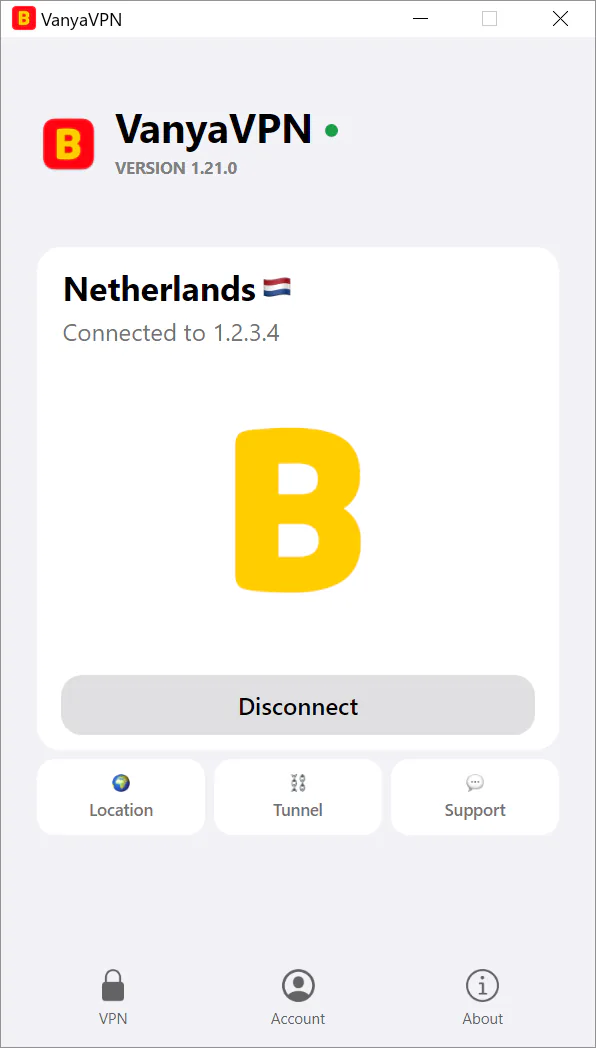
Sign in and connect
The app opens once setup is done. Sign in to your account, choose a country, then press Connect. If there’s no subscription yet, that button shows the plans first.
If the system hasn’t been updated in years
Version 1607 came out in August 2016, so a Windows 10 machine that has taken even the occasional update is almost certainly past it. To see your number, type winver into the Start menu search. Later versions are numbered with an H, like 21H2 or 22H2, and those work too.
If it says 1507 or 1511, update Windows first and install the VPN for Windows 10 afterwards.
Installer questions
The installer says installation failed. What now?
The error message lists what usually helps, and it’s worth going through it in order. Restart the computer and run the installer again. Open Device Manager, expand Network adapters and remove any leftover “TAP-Windows Adapter V9”. Turn the antivirus off while you install. Right-click the file and choose “Run as administrator”. If nothing works, write to support, whose address is at the top of that same message.
Is Windows 10 LTSC supported?
Yes, on LTSC 2016, 2019 and 2021. They are based on versions 1607, 1809 and 21H2, and the minimum is 1607.
My Windows is in English. Will the installer’s messages be too?
Yes. Its warnings and error messages follow the Windows display language, and any language without a translation falls back to English.
Plans
You can subscribe ahead of time, here or in the phone app, and then sign in to that same account on the computer.
- 2 years +6 months free $1.90/mo $57 for the whole term
- Year +3 months free $2.80/mo $42 for the whole term
- 6 months +2 months free $3.50/mo $28 for the whole term
- Month No bonus months $5/mo

The “Vanechka” trial
3 days with every country for $0.50, once per account. After that it continues month to month, and you can turn renewal off in your account.
If it does not work for you, we refund the payment under our refund policy.